
Step 1 · about 5 minutes
Install Claude Desktop
Claude Desktop is an app on your computer. You will use its Code tab to ask Claude to work on project files, then review what it changes.
Imagine building a shop website: you describe a product page, Claude creates the files, and you check the result. GitHub will keep the saved versions; Claude Desktop is where you do the work.
Install the desktop app
- Open the official Claude download page.
- Choose the Windows or macOS download that matches your computer.
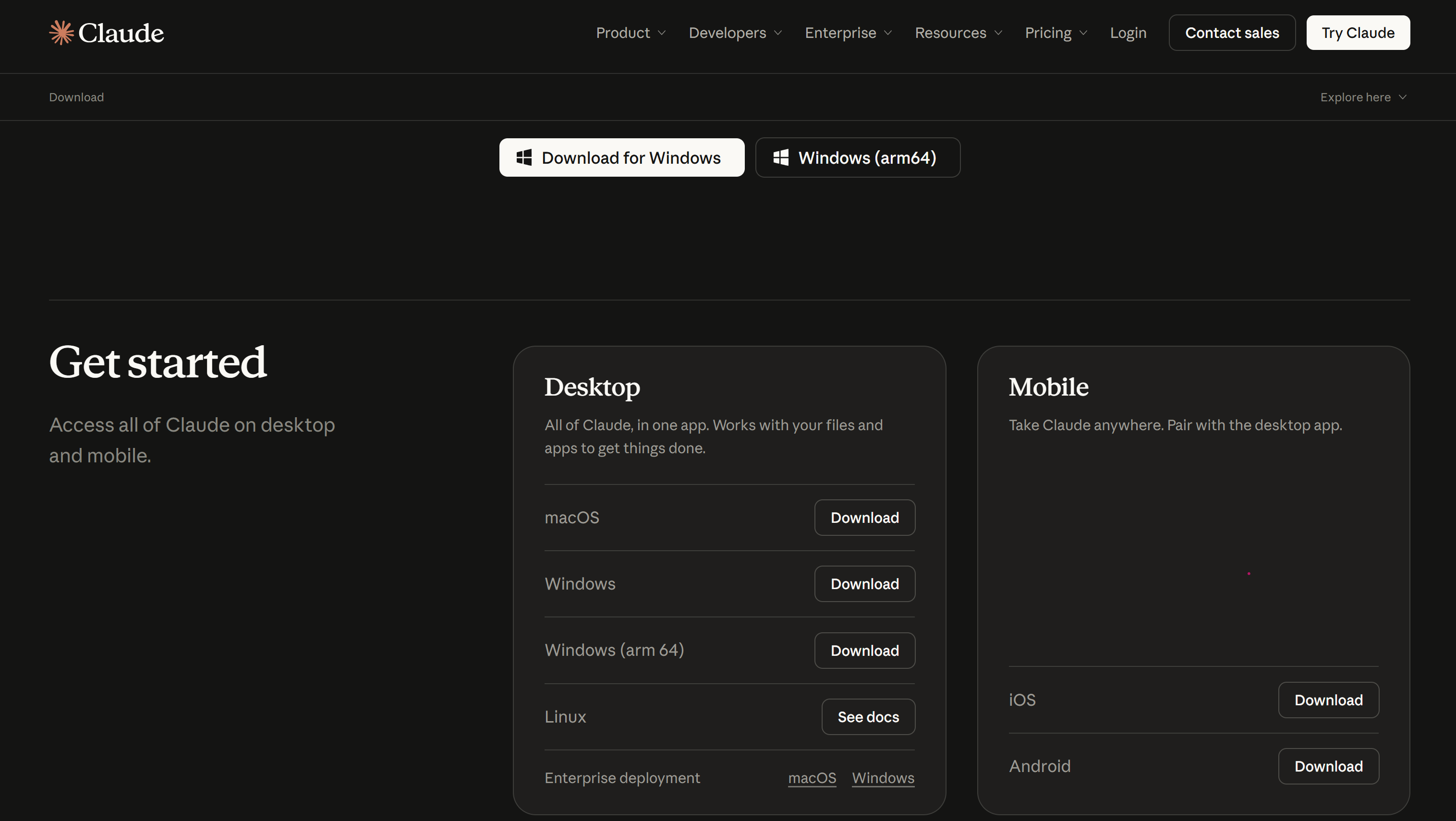
- Open the downloaded installer. On Windows, follow its setup screens. On Mac, move Claude into Applications if the installer asks.
- Launch Claude from the Windows Start menu or the Mac Applications folder.
This course uses the desktop app. Claude Code is included in that app; there is no separate Claude command-line installation.
Installation help: Claude Desktop setup.