Step 1 · about 4 minutes
Create your Supabase account
Supabase gives you a real database without you having to run one. Sign in with the GitHub account you just made.
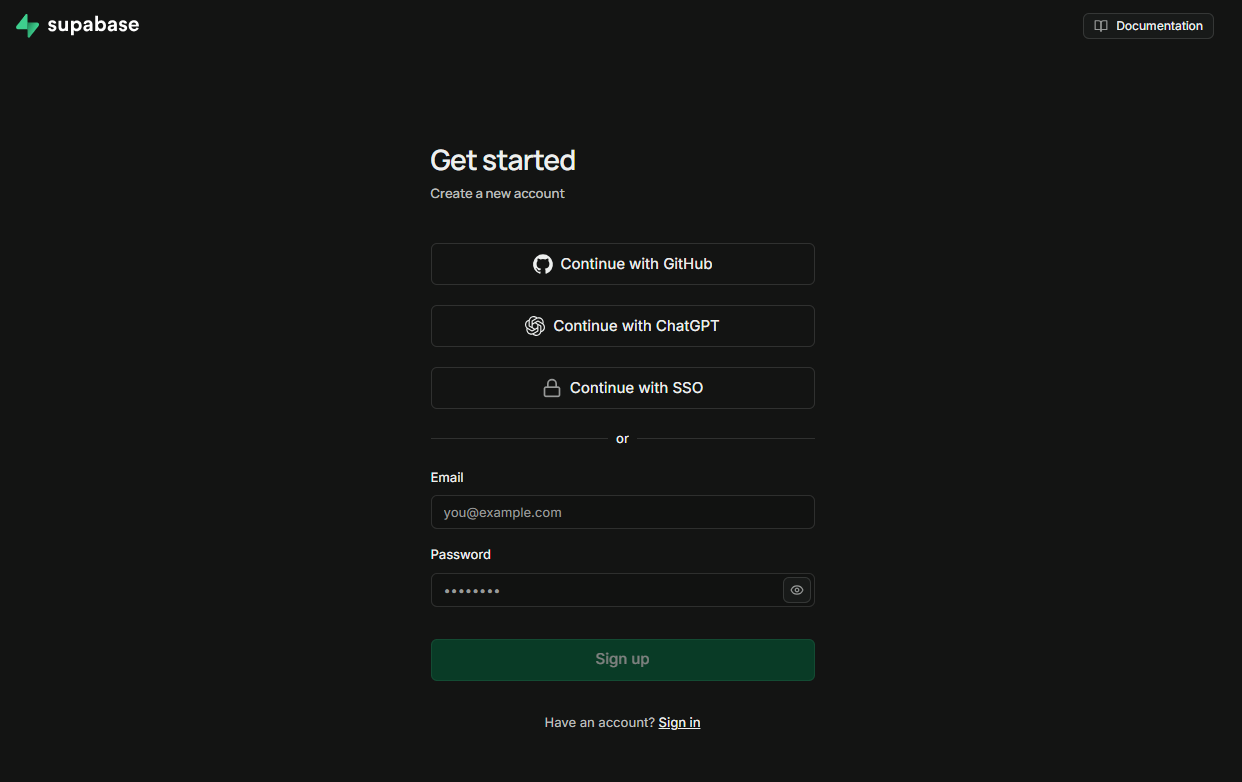
- Open Supabase and choose Start your project.
- Choose Continue with GitHub and sign in with the GitHub account you just created.
- Review the requested access and continue to your Supabase dashboard.
- Copy your dashboard address for the checkpoint.